
The address 127.0.0.1 will never go beyond your own machine. However, the slightest configuration flaw is enough to turn a simple home network into a hunting ground for the least scrupulous intruder. Contrary to what rumors might suggest, network devices do not always filter addresses that are supposed to remain local by default.
Sometimes, a testing tool, even without elevated privileges, is enough to reveal sensitive details. Neglecting the nature of different IP addresses and ignoring their specific uses opens the door to slip-ups and unexpected leaks, both at home and in the office.
Local IP Addresses: How They Govern Your Network Life
Behind the functioning of a local network lies an architecture of IP addresses that is quite distinct from those assigned by operators. This scheme is not secondary: it organizes the flow of information, separates devices and users, and limits exchanges with the outside. Virtually every device—computer, printer, connected camera, thermostat—inherits a local IP address to operate within this private network.
Most often, the distribution of these addresses relies on DHCP (Dynamic Host Configuration Protocol). Integrated into the Internet box or router, this protocol automatically allocates an address to each new connection. Strategic devices, on the other hand, prefer the stability of a static address to remain identifiable at all times. This allocation is not done blindly: it follows specific ranges, suited to the size of networks, class A (10.0.0.0/8), class B (172.16.0.0/12), class C (192.168.0.0/16).
To clearly distribute roles, the subnet mask places a clear boundary between what is internal and what crosses the NAT (Network Address Translation) to go outside. As long as the configuration remains consistent, internal exchanges escape external scrutiny. But this fragile balance also depends on a fine understanding of interactions: in this regard, the detailed example on 127.0.0.1:49342 perfectly illustrates what can tip the security of a home network.
It is better to unambiguously identify static addresses as dynamic, and not to confuse IPv4 and IPv6. These markers prevent many address collisions and avoid many outages. Carefully note each connected device, check the uses concerning the local DNS server, and monitor the topology, especially as connected objects or professional deployments complicate the scheme: as soon as the network escapes control, vulnerabilities and intrusion attempts can sneak in quietly.
Can Your Local IP Address Be the Achilles’ Heel of the Network?
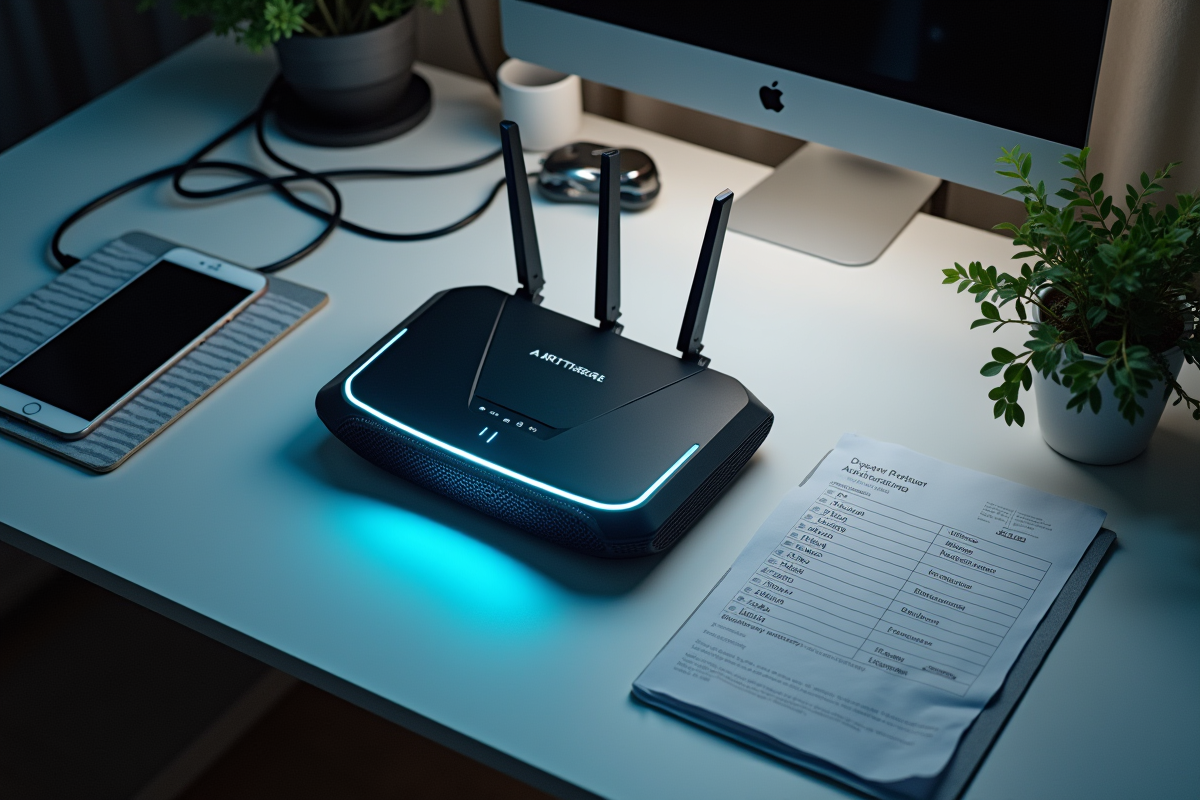
Relying on the discretion of a local network to sleep soundly? Big mistake. Leaving a local IP address exposed is akin to cracking the door open for anyone looking to access supposedly private data. It is often the accumulation of small oversights, approximate configurations, an unattended protocol, and hastily shared resources that ultimately make a broader compromise possible. Sometimes, it only takes one poorly protected connected device to upset the entire balance of the network.
To enhance security, several phases are necessary. Start by creating a complete profile of your network: count all connected devices, perform necessary updates for each firmware, and do not neglect the strength of passwords associated with management interfaces. Set precise rules for the firewall, monitor service permissions, and keep only those that are actually used active. Any vulnerability, no matter how discreet, can become an entry point.
Anonymizing the IP address on the Internet requires appropriate tools. A VPN (virtual private network) or a proxy server can obscure tracks while browsing websites or using online services, significantly limiting the collection of information that can be exploited by third parties.
To keep a home network on its toes, these habits make a difference:
- Enable encryption on all your exchanges, always favor a secure Wi-Fi connection.
- Regularly check access logs to spot any anomalies.
- Reserve static addresses for key devices, those that must be identified at all times.
The avalanche of sensors, beacons, and other voice assistants in connected homes multiplies openings in the digital armor. Each additional installation should raise vigilance, as it is often through a forgotten interface that the most formidable arrows find their way in.